
Create Professional Mobile Animations in Minutes
No coding required. No design experience needed.
Build stunning animations for iOS and Android apps with an intuitive drag-and-drop editor. Save hours of development time and ship professional-grade results.
Why Choose Our Animator
Stop spending hours hand-coding animations. Our no-code animation editor for iOS and Android delivers professional results in minutes—without the complexity.
No Coding Required
Drag-and-drop interface designed for creators, not coders. Build complex animations without touching a single line of code.
Create Animations 10x Faster
What takes hours to hand-code takes minutes with our animator. Speed up your development cycle and ship faster.
Professional-Grade Results
No design experience? No problem. Create polished, production-ready animations that look like they cost thousands.
Works with iOS & Android
Seamlessly export animations for both platforms. One tool, two platforms, zero compatibility headaches.
100+ Pre-Built Animations
Jump-start your projects with our extensive library of professionally designed animations. Customize or use as-is—the choice is yours.
Bring Your Ideas to Life
Our animator software for mobile gives you everything you need to create stunning, professional animations without writing a single line of code. Whether you're building app onboarding flows, interactive buttons, or complex UI transitions—it's all within reach.
Smooth Transitions
Create elegant page transitions and view animations that feel native and responsive.
Complex Multi-Object Animations
Animate multiple elements in perfect sync with timeline control and keyframe precision.
Interactive UI Effects
Build button animations, gesture-triggered effects, and tap responses that engage users.
Real-Time Preview
Test animations on your device instantly. See exactly how they'll look in production.
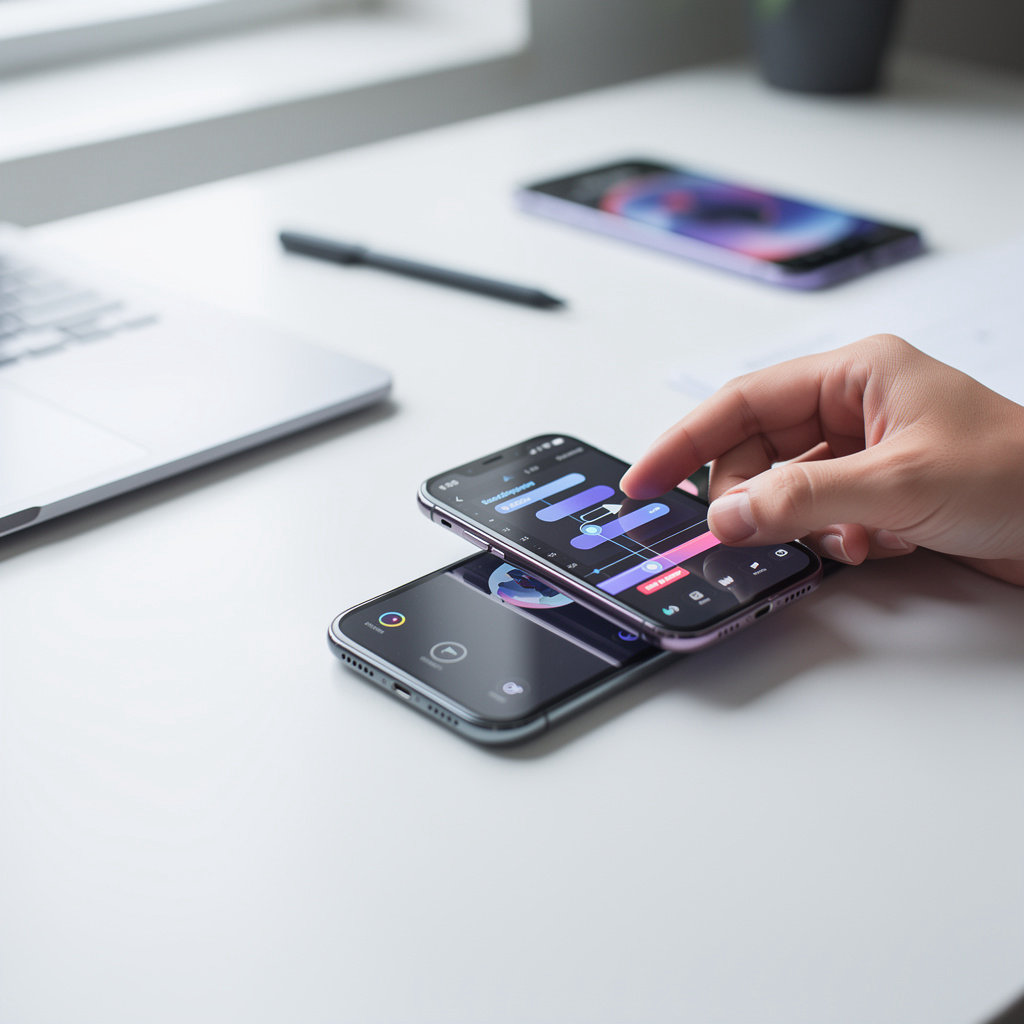
Create Animations in Four Simple Steps
No coding required. No design experience needed. Our mobile animation software walks you through the entire process, from import to export, in minutes.
Import
Upload your mobile app design or import your existing project file. Works with all major design formats.
Select
Click on the UI elements you want to animate. Select buttons, icons, text, images—anything that needs motion.
Animate
Choose from our library of 100+ pre-built animations or create custom ones with our drag-and-drop editor.
Export
Export production-ready code for iOS and Android. Integrate directly into your project—no extra work needed.
Typical Workflow
- Import your design file (2 minutes)
- Select elements to animate (3 minutes)
- Apply animations from library (5 minutes)
- Preview on device in real-time (2 minutes)
- Export and integrate (2 minutes)
Total Time: ~14 minutes
What would take hours to code manually.
Why This Matters
Save Development Time
Create animations 10x faster than writing animation code manually.
No Design Skills Required
Use pre-built animations or customize them with our intuitive editor.
Professional Results
Every animation is optimized for mobile performance and user experience.
Production-Ready Code
Export clean, optimized code. No cleanup or refactoring needed.
Ready to streamline your animation workflow? Try the animation software free—no credit card required.
Takes less than a minute to get started. Works on Mac, Windows, and Linux.
Real-World Animation Examples
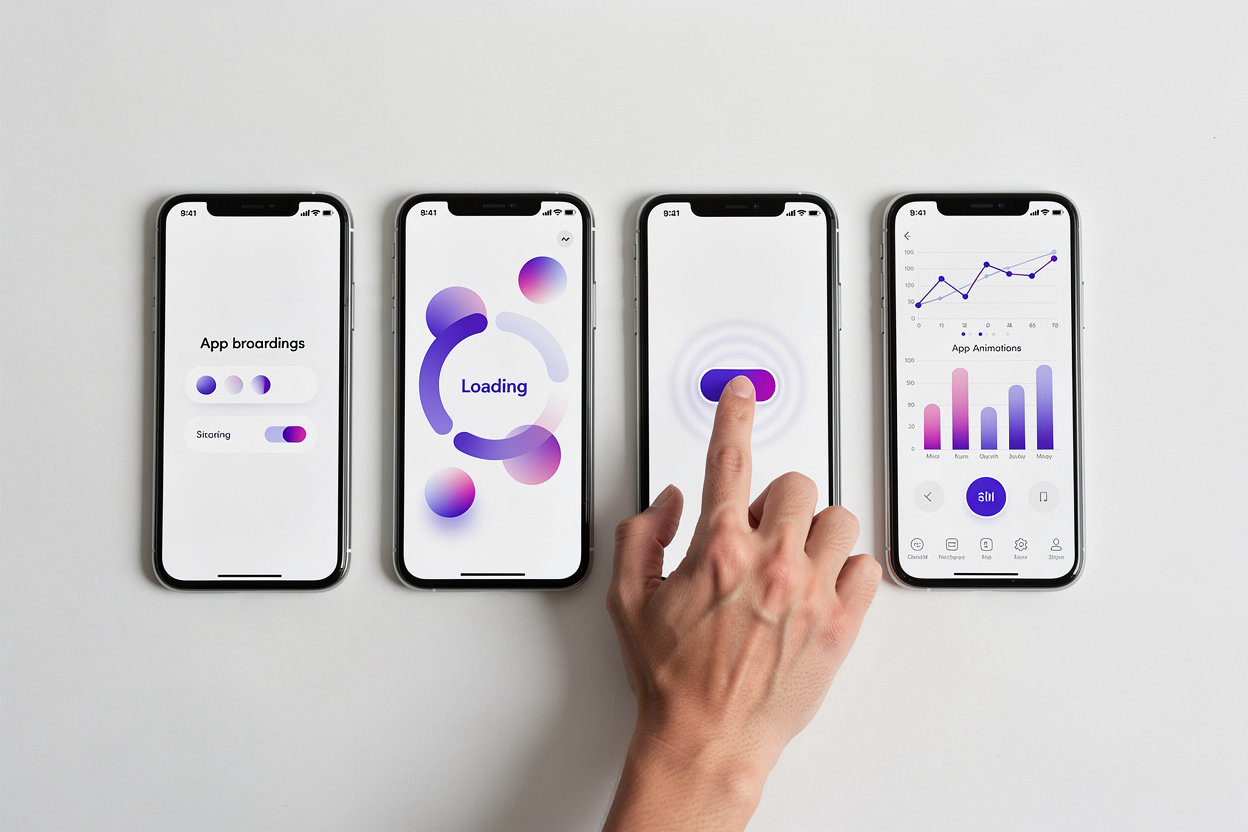
See how developers are using Make a animator Software for moblie to create engaging, professional animations that users love. From onboarding flows to interactive gestures, these use cases show what's possible.
App Onboarding Flows
Smooth transitions and entrance animations guide new users through your app's key features. Increase engagement and reduce bounce rates with delightful first impressions.
Loading Screen Animations
Turn boring loading states into branded experiences. Custom spinners, progress indicators, and animated sequences keep users entertained while content loads.
Interactive Button Effects
Buttons that respond with ripples, scale effects, and color transitions. Make every tap feel responsive and intentional, improving perceived app performance.
Navigation Transitions
Seamless page transitions and shared element animations create a polished, premium feel. Users always know where they are and where they're going in your app.

Ready to animate? Let's talk.